
How to read our menu: protein, calories and the labels
What the numbers and tags on every Healthy Hunger dish mean, and how to use them to order for your goal.
16 October 2026 · 2 min read
Every dish on our menu shows its protein and calories, so you can choose with your goal in mind, not guesswork. Here is what each part means.
The numbers
- Protein (g) is for the whole portion you are served, not per 100 g.
- Calories (kcal) are for the same portion.
- Both are worked out from the recipe and ingredient amounts, so treat them as close estimates. Add-ons (like extra paneer) change them.
The labels and filters
- High protein – dishes with 15 g of protein or more per portion.
- Light – dishes under 300 kcal.
- Bestseller – the dishes our guests order most.
- Veg mark – everything we serve is 100% vegetarian.
On the QR menu you can tap these filters to show only matching dishes.
Ordering for your goal
| If you want… | Look for | For example |
|---|---|---|
| A filling meal after the gym | High protein, 20 g+ | Air-Fried Soya & Paneer Bowl – 33 g protein, 490 kcal |
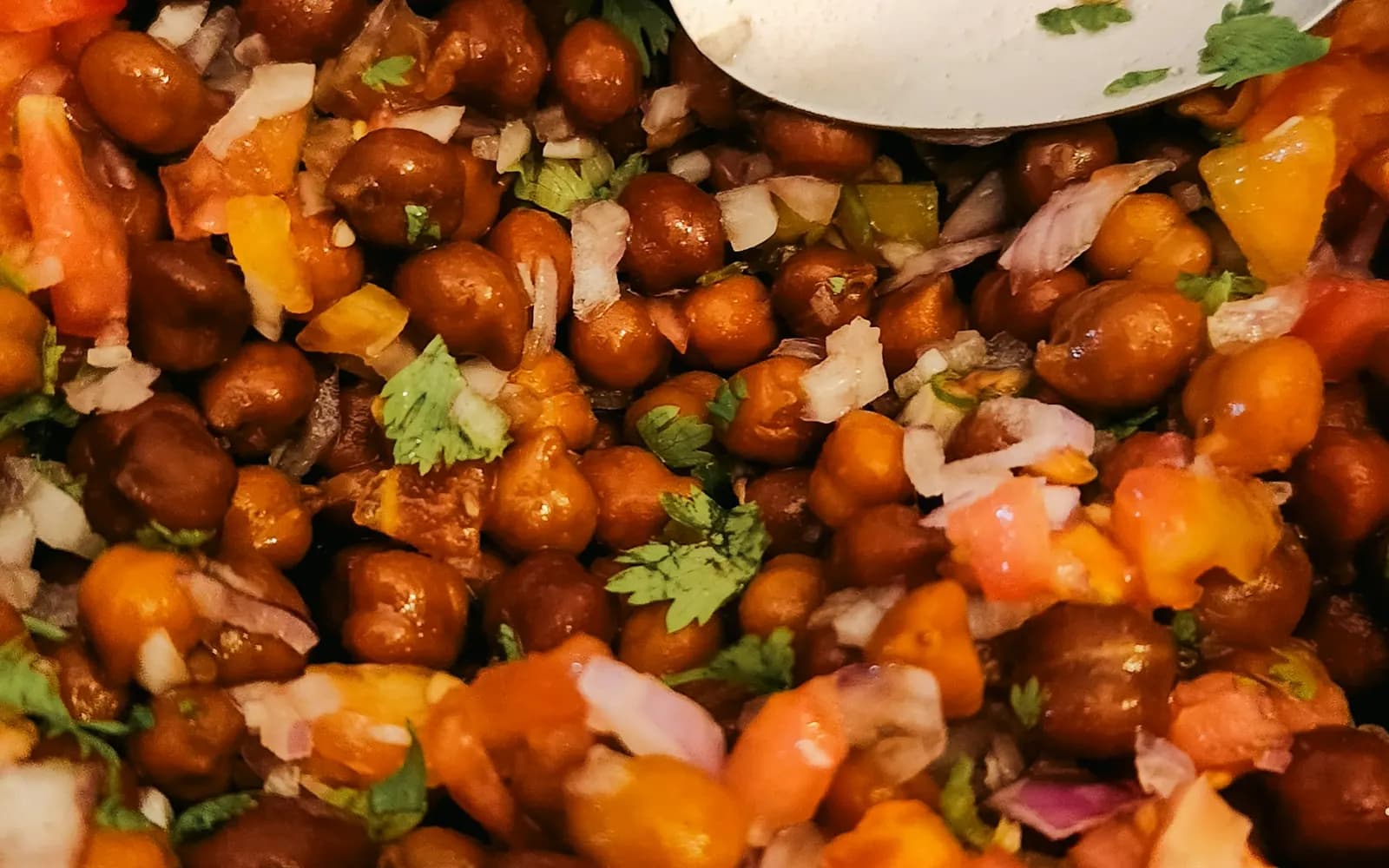
| A light evening snack | Light, under 300 kcal | Kala Chana Paneer Chaat – 17 g protein, 290 kcal |
| The most protein for fewer calories | Both filters together | Roasted Edamame Chaat – 21 g protein, 230 kcal |
| A quick breakfast | Oats | Classic Banana Honey Oats – 17 g protein, 340 kcal |
Try it
Next time you scan the QR, tap High protein and Light together – the Roasted Edamame Chaat is the standout.